Smart switches without rewiring. Two ways to do it.

You do not need to rewire a house to make it smart. Either swap each switchboard for a KB touch panel that works with your existing wiring, or keep your switchboards and add a KB retrofit module with a remote.

Option 1: replace the switchboard with a touch panel

A KB touch panel goes in place of the old switchboard on your existing wiring. You get a new glass or acrylic front, plus app, voice and remote control.

This suits renovations and rooms where the old boards look tired.

Option 2: keep the switchboard and add a retrofit module

The KB retrofit module works with your existing wiring. The board you see stays the same, and you gain remote control.

This suits new interiors with switchboards you already like.

What to check first

Send KB a clear photo of each switchboard on WhatsApp. The team will check the number of lights, fans and sockets and suggest the right fit.

For app and voice control you need a 2.4 GHz Wi-Fi network that reaches the rooms.
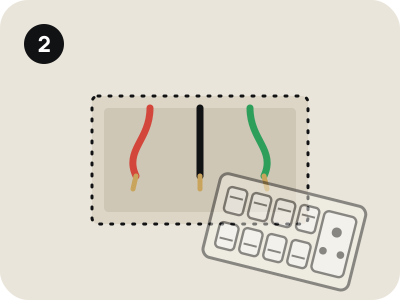
An ordinary switchboard with rocker switches and a socket
Your old switchboard
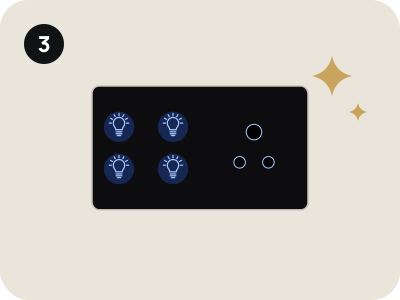
The old switchboard removed, showing the same wires in the wall
The wiring stays
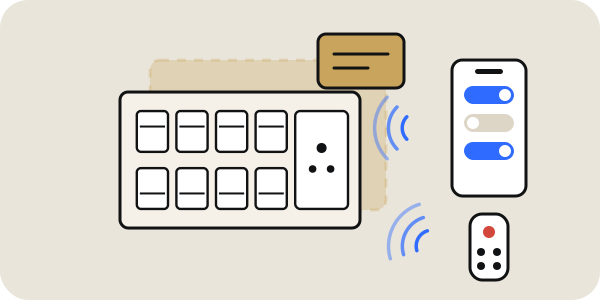
A KB glass touch panel fitted in the same place
Your KB panel
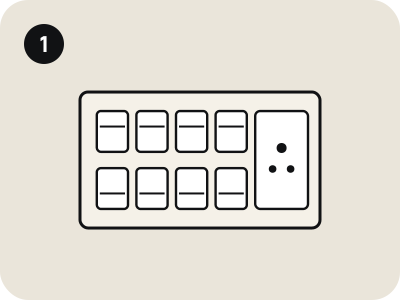
A KB retrofit module behind an existing switchboard, controlled from a phone and a remote
Keep your switchboard. The KB module sits behind it and adds remote and app control.

Questions, answered.

Can old houses get home automation?

Yes. Touch panels and retrofit modules both work with the existing wiring, so homes can be made smart room by room.

Do I need to rewire?

No. Both options work with the wiring you have.

Ask the KB team.

Send your question on WhatsApp and the team will reply.

WhatsApp